MCP UI blocks
Fenced blocks an agent emits that render as components.
An agent can emit a fenced block and the frontend renders it as a real component instead of code. Five types ship.
Every screenshot below is from a live demo, not a mock-up — the numbers are whatever the data said when the page was captured.
The key names are part of the contract — a block with the wrong keys renders as an error box rather than silently doing nothing, so the mistake is visible in development instead of in front of a user.
chart
```chart
{"type": "bar", "title": "Home win rate by season",
 "data": [{"season": "2019/20", "pct": 45.5}, {"season": "2020/21", "pct": 37.9}],
 "xKey": "season", "yKey": "pct"}
```
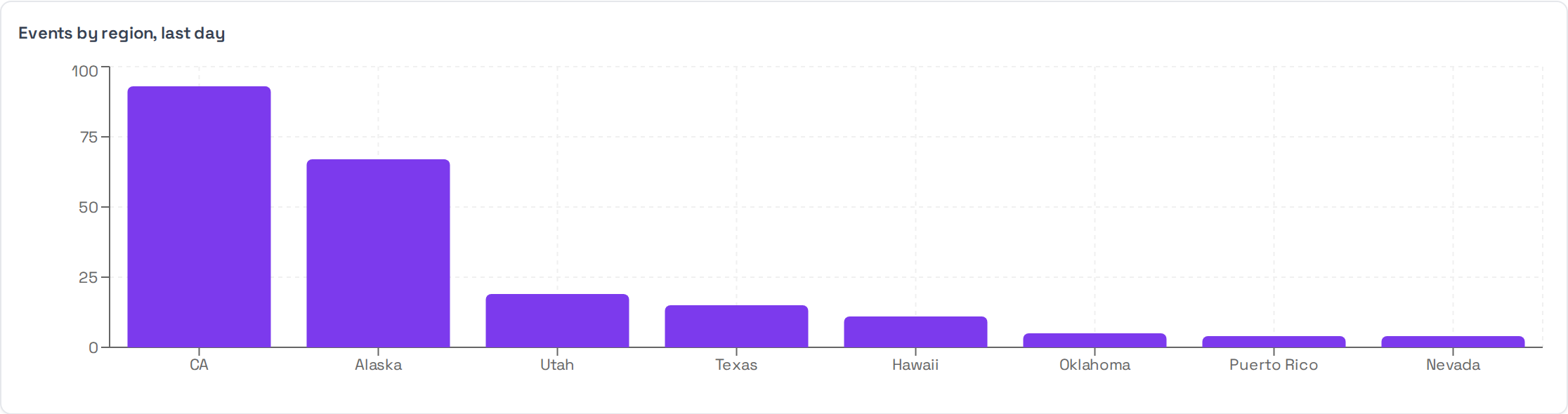
type is one of bar, line, area, pie, scatter, composed, radar,
heatmap, treemap, sankey. data is a list of flat objects; xKey and
yKey name which of their keys to plot.
datatable
```datatable
{"title": "Season summary", "columns": ["Season", "Home wins", "Rate"],
 "rows": [["2020/21", "144", "37.9%"], ["2019/20", "172", "45.5%"]]}
```
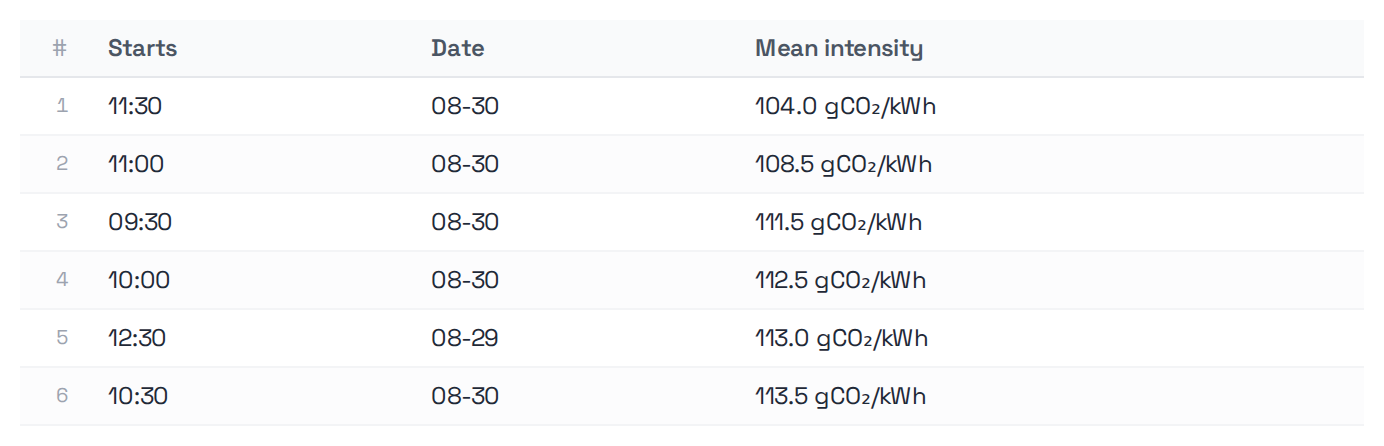
columns and rows are required. Rows can carry links, expandable detail and
per-row actions that dispatch a follow-up prompt.
kpi
```kpi
[{"title": "Home win rate", "value": "37.9%", "subtitle": "2020/21"},
 {"title": "Baseline", "value": "45.5%", "subtitle": "2019/20"}]
```

title and value are required. A card without title renders as a bare
number, which tells the reader nothing.
insight
```insight
{"kind": "insight", "headline": "Home advantage collapsed in 2020/21",
 "body": "Home win rate fell 7.6 points the season crowds were absent."}
```

headline is required and is the whole point of the block. kind is one of
insight, warning, opportunity, risk.
mermaid
```mermaid
flowchart LR
  tremor[Event on the feed] --> assess{Clears the threshold?}
  assess -- no --> log[Logged only]
  assess -- yes --> draft[Draft an alert]
  draft --> gate{Human approves?}
  gate -- yes --> publish[Published]
  gate -- no --> hold[Held]
```
Rendered natively — no library to add. Unlike the four above it carries no JSON payload, so there is nothing to validate: a diagram that does not parse shows mermaid's own error rather than an error box.
Useful when the answer is a process rather than a number — an escalation path, a state machine, how a request moves through a system.
Where to emit them
From a tool, when the shape is known — the tool returns the block and the agent passes it through. That is deterministic and cannot be got wrong by a model having an off day.
From the agent, when the shape depends on the question. If you do this, put the
schemas in the SOUL. An agent told "use a kpi block" without being shown the
keys will guess, and it will guess wrong often enough to matter.