Your first workspace
One YAML file becomes a running back office.
A workspace is one YAML file. It names the agents, points at their prompts and tools, and Runspace turns it into a backend and a UI.
# workspace.yml
name: Acme Back Office
icon: 🗂
brand_color: '#2F5D62'

apps:
  analyst:
    name: Ada
    role: Data analyst
    soul: agents/analyst/SOUL.md
    tools: agents/analyst/tools/
    model: gpt-5.4-codex
    max_turns: 10
python -m runspace.workspace.serve workspace.yml
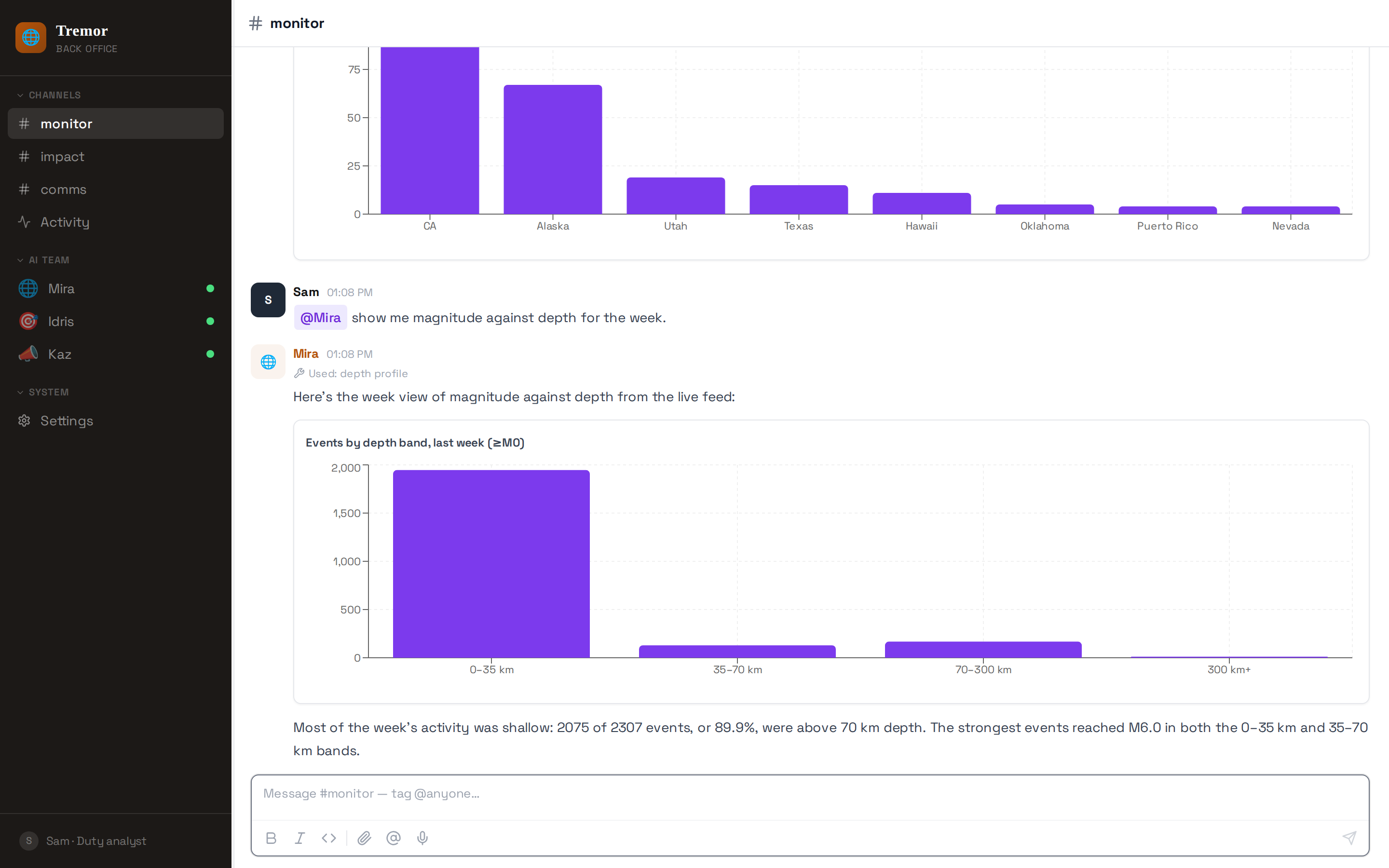
That gives you chat with streaming, file upload and attachment rendering, message history, a scheduler and a settings surface — for every agent the file declares.
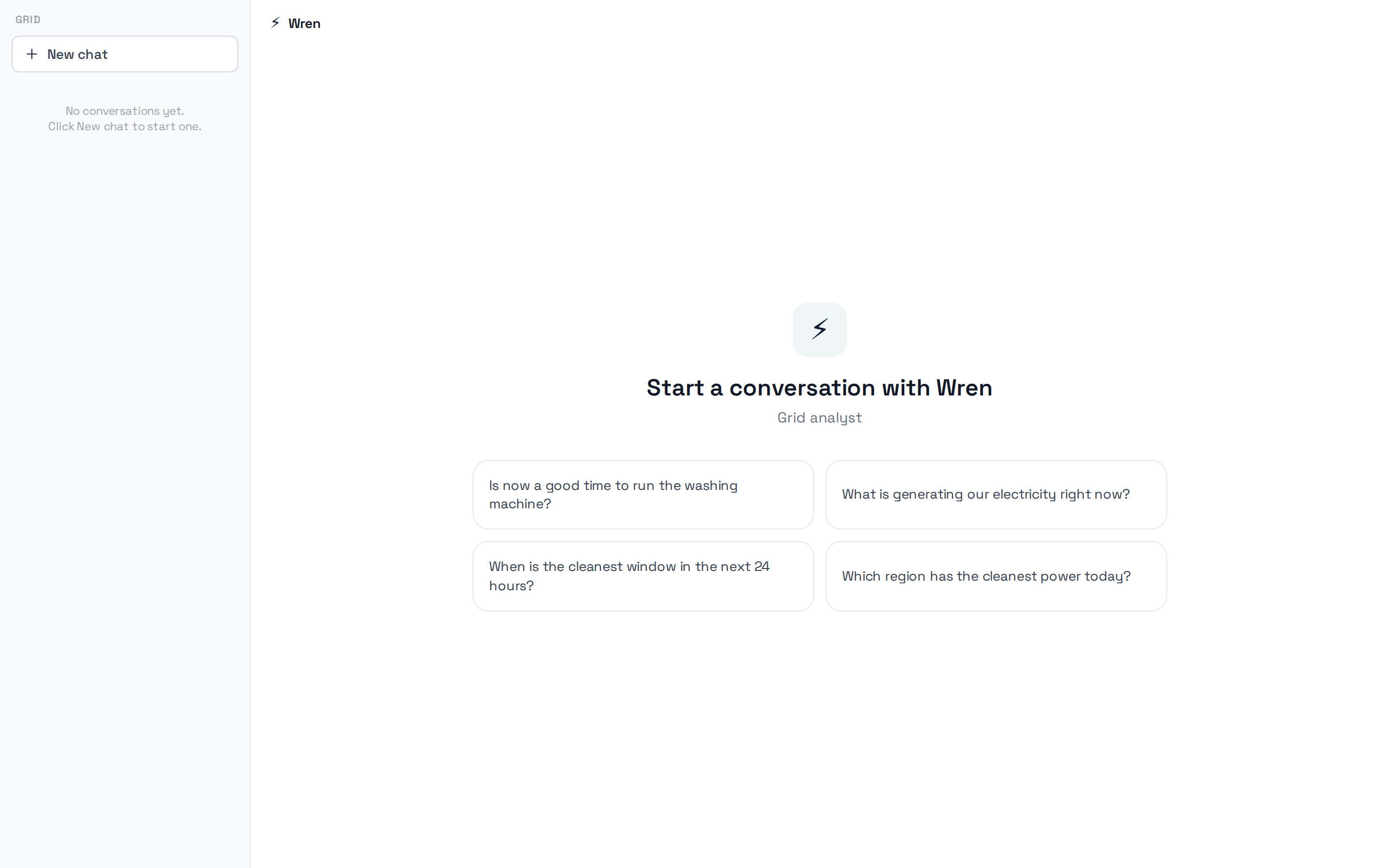
The same workspace served as a single conversation instead:
The three files
workspace.yml              the workspace: agents, channels, branding
agents/analyst/SOUL.md     one agent's instructions, in markdown
agents/analyst/tools/      one directory of @tool functions
soul is a path to a markdown file rather than a string in YAML, because
prompts get long and deserve their own file with their own diff history.
tools is a directory — every @tool in it is discovered and offered to that
agent, so adding a capability means adding a function.
Adding a second agent
apps:
  analyst:
    name: Ada
    role: Data analyst
    soul: agents/analyst/SOUL.md
    tools: agents/analyst/tools/
  accounts:
    name: Robin
    role: Accounts
    soul: agents/accounts/SOUL.md
    tools: agents/accounts/tools/
Two agents now share the workspace's channels. A person @mentions the one
they want; the reply lands in the same thread. Neither agent can call the
other's tools — the tool directory is the boundary.
Template substitution
{{persona_name}} and {{tenant_name}} in a SOUL file are replaced when the
app registers, using the agent's name and the workspace's name. Write one
SOUL, deploy it under several brands.
If you see a literal {{ in a reply, the process is serving a SOUL it loaded
before the substitution was configured — restart it.